Start with the space you actually have
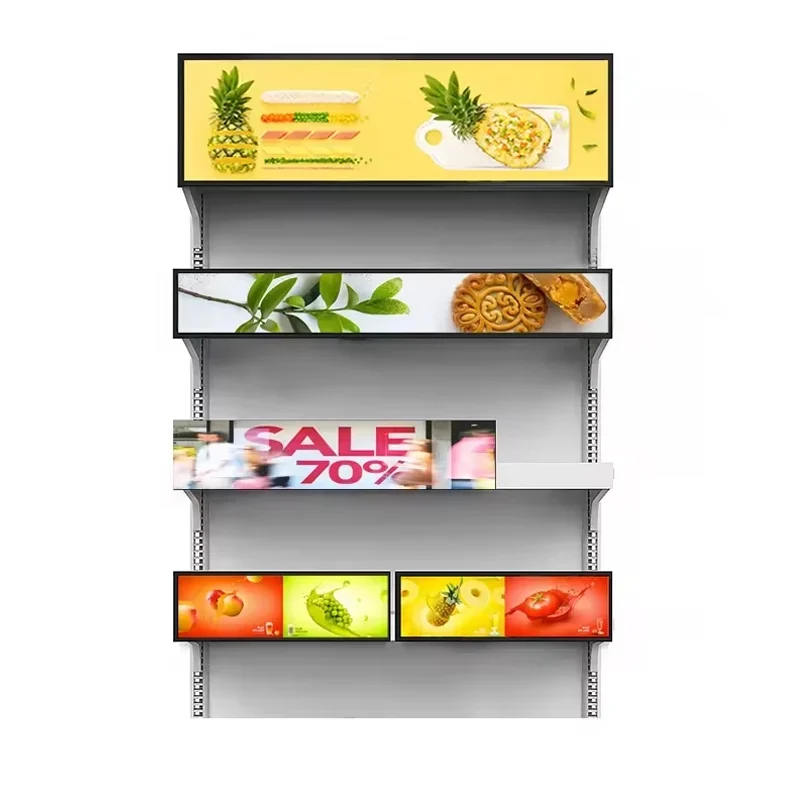
A long horizontal opening creates a different display problem from an ordinary wall. The equipment must fit the available width and height, but the message must also remain readable within a shallow image area. Measure the installation space and describe the viewer's position before selecting the screen. Include nearby signs, shelving, structural parts and any object that could hide a portion of the display.
The 38.5-inch description identifies a diagonal, not the outside dimensions or the aspect ratio. Request a drawing of the exact configuration and compare it with the available space. If your project has a fixed architectural opening, supply that drawing at the start. You can review the stretched display range if another format might be a better fit. A screen should be selected around both its physical envelope and the content it must carry.
Define the pixel canvas before commissioning artwork
The available product text does not establish an exact native resolution for this 38.5-inch display. Ask for the active pixel dimensions and any requirements for media preparation on the proposed configuration. Do not assume a familiar stretched-screen resolution from another supplier or a different panel size. That assumption can leave a designer building content for the wrong canvas.
Once the canvas is confirmed, prepare a layout that uses the width deliberately. A short message, product image and simple visual hierarchy may suit the format better than a scaled-down conventional poster. Check how the player handles a file with a different aspect ratio: cropping, borders and stretching should be understood before production. If animation is planned, have the content team review the entire sequence on the actual display. A still screenshot will not reveal every playback or transition problem.
Keep the message legible along the strip
Long screens invite long messages, but the available height still limits the size of the text. Decide what viewers must understand at a glance and what can be placed elsewhere. For a retail promotion, that may be the product, offer and essential qualification. For directional information, the hierarchy may be different. These are design considerations, not a claim that the display includes a particular signage application.
Use the intended viewing distance and language in the sample artwork. Inspect small characters, punctuation and any symbols your audience needs. Test the content from both ends of the viewing area, especially if people approach at an angle. If the installation contains several separate messages, make sure the visual divisions are clear. Ask your team to evaluate whether a viewer can identify the relevant message without following a moving element across the entire screen.
Confirm the Android and remote update configuration
The official listing names Android, Wi-Fi and remote updates. The detailed software arrangement is not specified here, so request the operating system version, proposed player and content management method for the quotation. Ask whether the supplied configuration works with your existing platform or requires a different publishing workflow. Do not treat Android support as confirmation of compatibility with every signage application.
Have the prospective operator demonstrate a normal update using your sample content. Ask how the screen is identified, how a file is assigned and how the operator confirms the update reached the correct device. Clarify software licensing, account management and service terms separately from the panel price. If your project requires scheduled playlists, status reporting or remote settings control, name those functions as requirements and request evidence of support rather than assuming they follow from the phrase remote update.
Review brightness against the real environment
The product material describes high brightness but does not give a reliable numeric brightness value for this configuration. Ask for the quoted panel's specification and review it under representative lighting. A brightly lit shop interior, a shaded corridor and a window-facing position impose different visual conditions. Explain the location to the supplier instead of treating a general high-brightness description as a universal suitability statement.
Look at your actual message from the intended positions. Dark content, pale backgrounds and reflections can reveal different issues, so use more than one image in the sample review. Ask how brightness is adjusted and whether the selected setting is retained after a restart. No automatic sensor, outdoor protection or direct-sunlight capability is promised here. Where those functions or conditions matter, they should be addressed explicitly in the configuration and acceptance discussion.
Design the mounting around the long enclosure
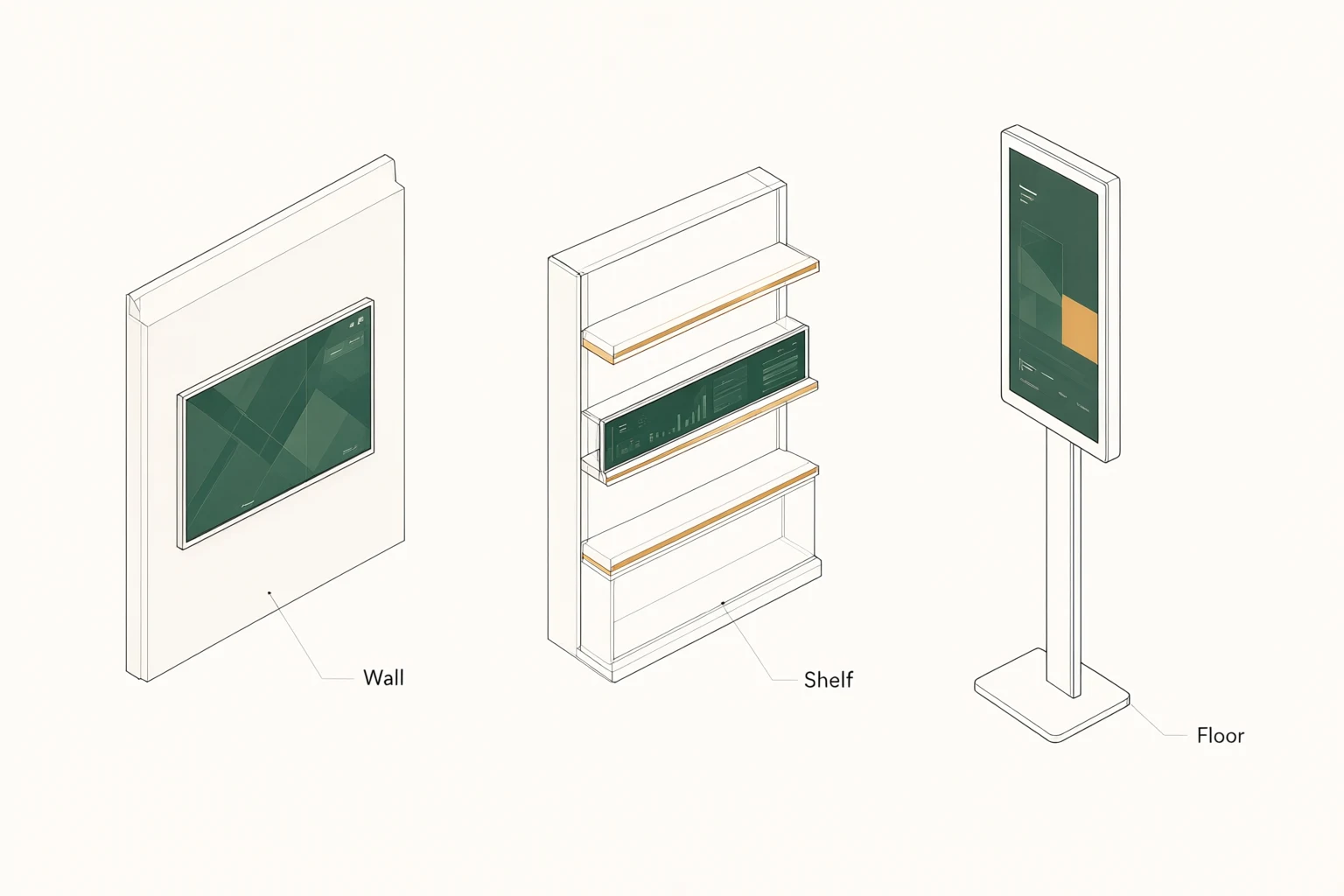
A stretched display needs a mounting plan based on its delivered dimensions and weight. Request the fixing locations, cable exit, connector clearances and any restrictions on orientation. If the screen is attached to furniture or a shelf structure, have the responsible designer review the load and access requirements. The narrow visual format does not establish that any existing shelf trim can safely support it.
Consider how a technician will remove the display and reach its connections once the installation is complete. An attractive fascia can become a service obstacle if it blocks fasteners or traps cables. Ask which mounting parts are included and which must be supplied by the installer. Review power routing and ventilation with the actual enclosure drawing. These are buyer planning steps; no standard bracket, mounting pattern or enclosure rating should be inferred from a product photograph.
Treat transportation applications as separate approvals
The original product title mentions buses and subways as well as supermarkets. That wording does not provide evidence of transport-specific certification, vibration tolerance, fire performance, power compatibility or approval for a particular vehicle or rail system. If the display is intended for transportation, send the required standards and installation conditions to the supplier before treating it as a suitable component.
A transport project may also involve an external information system, special mounting constraints and a defined maintenance process. Identify those interfaces and ask for documentation and testing applicable to the exact configuration. Do not substitute a successful retail demonstration for approval in a different environment. This page describes a commercial product inquiry route; it does not claim that the 38.5-inch unit is certified for safety-critical information, vehicle installation or railway use.
Decide whether touch serves the project
The source description presents touch as optional. For a narrow display, first decide what a user would actually select and whether the installation permits comfortable interaction. A screen installed above reach does not benefit from a touch interface simply because the option exists. If touch is required, show the proposed controls and explain the expected user behavior before the configuration is selected.
Ask for the touch technology, active area, interface and application compatibility of the offered option. Then test the real layout at the intended height and orientation. If an external host or an existing application is involved, include that setup in the trial. This page does not promise a fixed number of touch points or a particular touch connection for the 38.5-inch product. Keep the optional input specification separate from the basic display specification in the quotation.
Test the complete content and recovery cycle
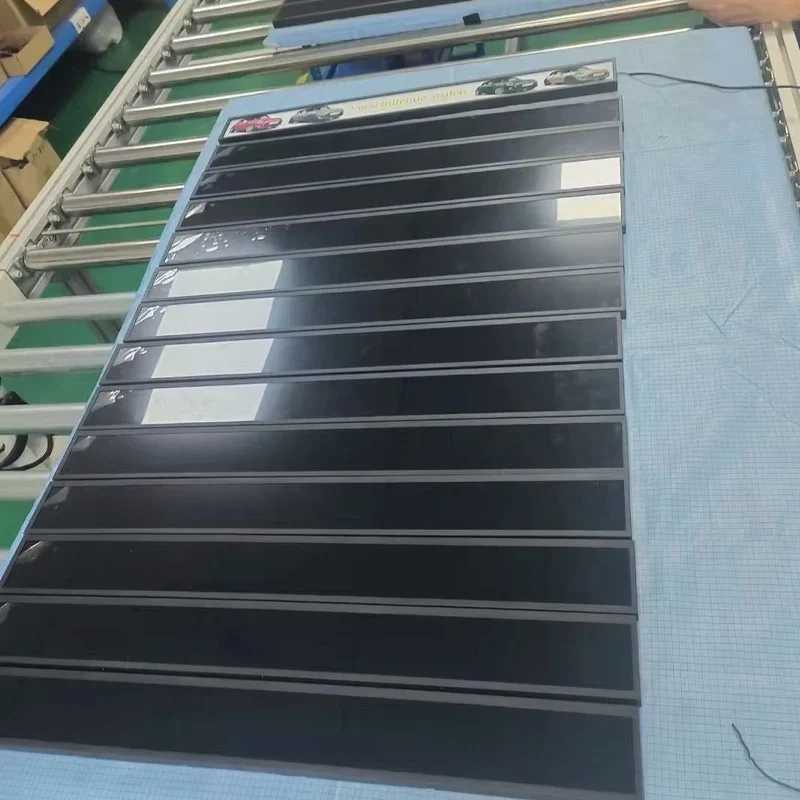
For sample acceptance, record the panel configuration, native canvas, system version and software arrangement. Publish the actual content and review image presentation, legibility and any moving elements. Run the actions your staff will use, including replacing an item and returning to a previous presentation. If multiple screens are planned, use a clear naming convention so content is not accidentally sent to the wrong location.
Include an agreed restart and network interruption in the trial. Observe what remains visible, what happens to a pending update and what staff must do to restore normal operation. Those behaviors need confirmation; offline playback is not assumed here. Keep the test notes with the approved configuration and ask how substitutions will be communicated. A change in panel canvas, computer board or player software may require the affected content and integration checks to be repeated.
Send a constrained-space project brief
A useful quotation request includes the opening dimensions, preferred orientation, viewing distance, ambient lighting and installation drawing. Add the required quantity, delivery destination, content examples and software preference. Explain whether the display is intended for retail, a building interior or another environment, and identify any required approvals. Separate essential requirements from preferred features so the proposal can be reviewed without losing the main design constraints.
Ask for the exact panel dimensions, pixel canvas, brightness specification, system configuration, mounting scope and optional touch details. Request software costs, sample terms, proposed timing and warranty conditions for your order. The stretched display inquiry form can carry those details into a technical discussion. A well-defined brief lets the supplier quote a specific build and gives your content and installation teams the information they need to proceed together.
Frequently asked questions
What is the native resolution of the 38.5-inch display?
It must be confirmed for the quoted configuration. The source text does not provide a reliable fixed resolution, so this page does not substitute a common stretched-panel value. Request the exact pixel canvas before preparing final artwork or integrating a media player.
Does the product include Android and remote updates?
Android, Wi-Fi and remote updates are named in the product listing. Ask for the operating system version, content player, management workflow and service terms associated with the proposed unit. Demonstrate your intended update process before accepting a software arrangement.
Can it be installed on a bus or subway?
The title mentions those applications, but no transport-specific approval is established here. Provide the required standards, electrical conditions and mechanical environment for review. Suitability needs configuration-specific evidence and project approval before the display is specified for transport use.
Is touch supplied as standard?
No. The product description treats touch as optional. If interaction is required, request the touch specification, application compatibility and connection details separately. Test the interface in the intended mounting position before including the option in the production configuration.