Give the shelf display one clear job
Decide whether the screen will carry a brand message, a temporary promotion, a product explanation or pricing information. Those uses require different content controls. A general brand video can run independently of the item immediately below it, while a price must be associated clearly with the correct product and offer conditions. Define that relationship before designing a long strip of artwork.
Alihh's product description supports image, video and advertising playback in a shelf-edge format. It does not establish integration with a retailer's pricing database, inventory system or point-of-sale software. If your project requires live product data, list that as an integration requirement. If the screen is used only for promotional media, make that boundary clear to store staff. The buying brief should explain the screen's role in the fixture, rather than relying on the broad phrase digital shelf display.
Check the fixture geometry before the diagonal
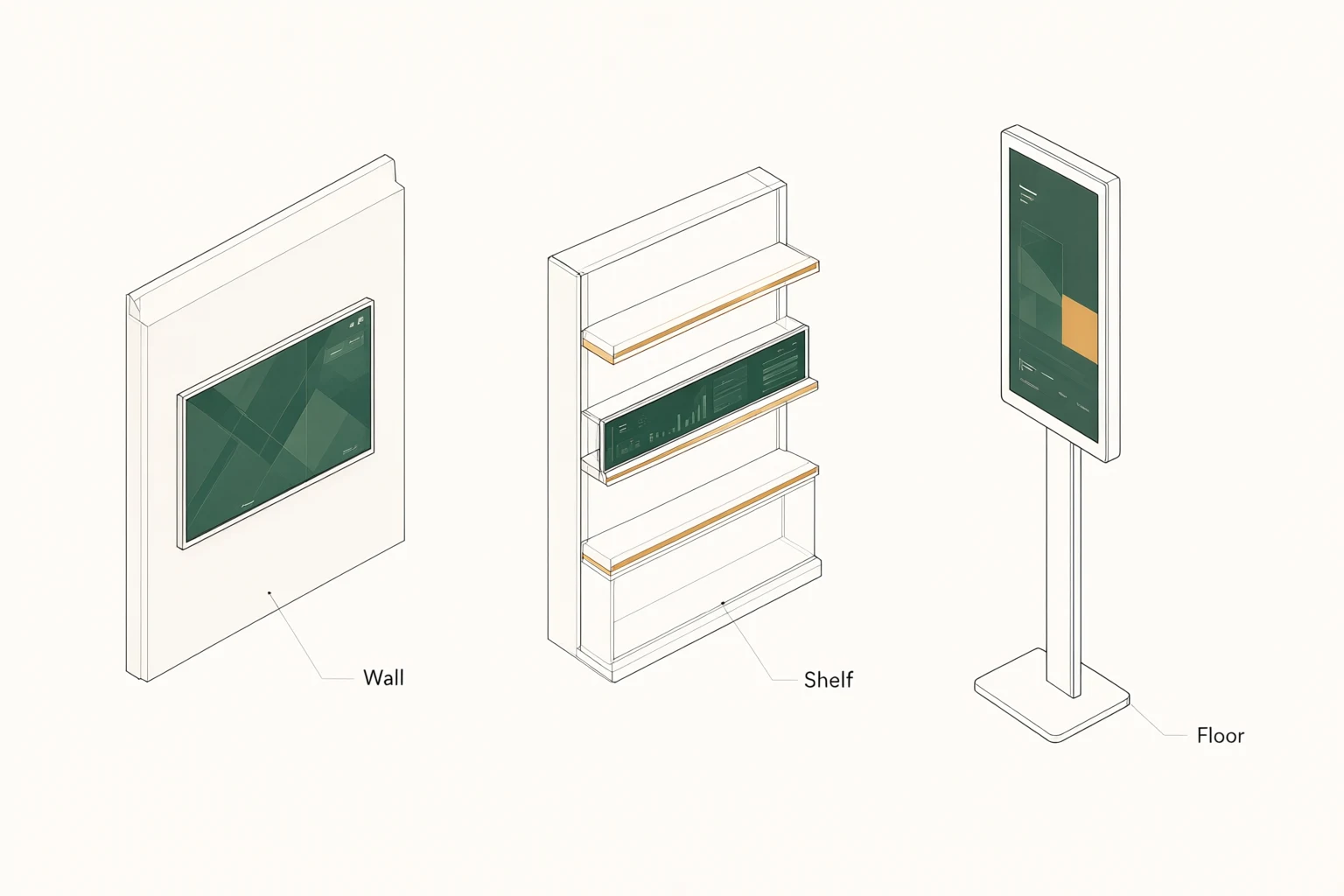
The product is listed as a 43-inch ultra-wide stretched LCD. Ask for the outside width, height, depth and weight of the quoted configuration, plus the active image area and fixing locations. A diagonal alone cannot tell the fixture designer whether the screen fits between uprights, clears the product below or interferes with a shelf adjustment. Measure the representative fixture and share the actual drawing.
Consider daily stocking as well as the finished appearance. Staff need to replenish products without catching packaging on the enclosure or damaging cables. The display should be reviewed with price labels, shelf dividers, product overhang and any security accessories already in use. Ask the installer to assess the proposed fixing method and access for replacement. Do not assume that the display can attach to an existing rail or trim without a suitable engineered mounting arrangement.
Align the content with the merchandise
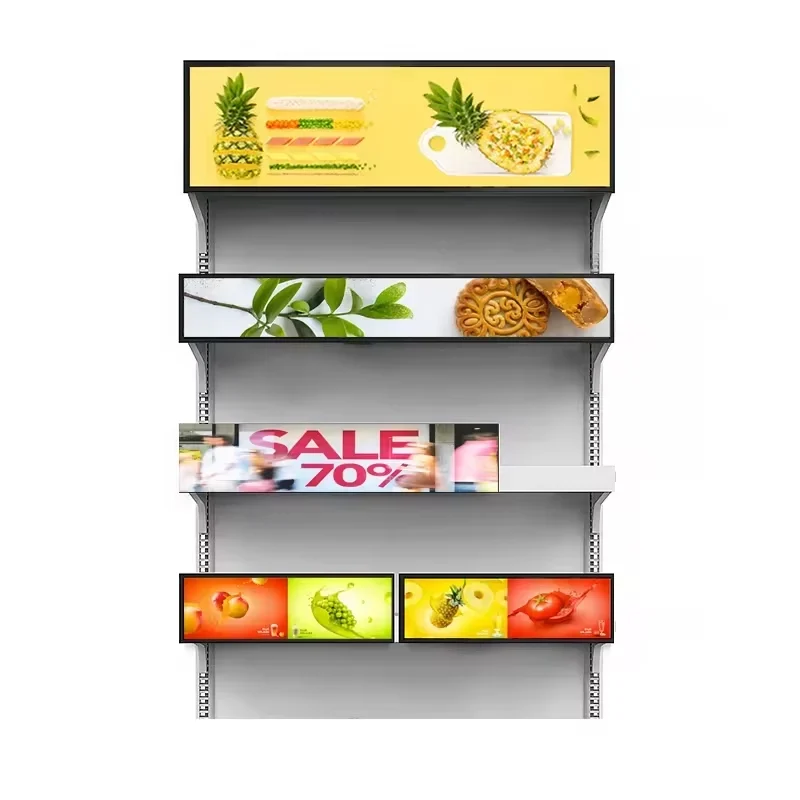
A long display can span several products, which makes visual association a design task. Decide whether each section corresponds to an item, a brand block or the entire shelf. Use the actual planogram and product packaging when preparing sample artwork. If an offer appears above the wrong product after a shelf change, a technically correct screen can still create confusion for shoppers.
Ask the merchandising team who updates the screen when products move. Content dimensions should come from the confirmed native pixel canvas, not from an assumed aspect ratio. Review text size, image scale and boundaries between messages on the installed sample. Where an offer includes conditions, include those conditions in the layout review. This page does not claim that the display automatically maps content to products; the mapping and approval workflow must be designed or integrated for your project.
Separate advertising playback from price automation
The source material describes the product as suitable for promotions, advertising and digital shelf-label applications. That does not mean a connection to a retail pricing platform is included. If you want prices to change automatically, provide the source system, data format, update frequency and error-handling requirements. Ask which software or development work is needed and who is responsible for verifying the result.
A manually prepared promotion also needs a control process. Decide who approves the offer, when it starts and ends, and how store staff can report an incorrect message. If several locations use different prices or assortments, explain that distinction to the software provider. Request a demonstration of the required targeting behavior. These are suggested retail controls, not a statement that a particular content platform or automated reconciliation feature is supplied with every display.
Choose the system and connections for the store
The 43-inch product text describes customizable system and installation options, but it does not establish one fixed operating system, port schedule or network configuration. Ask for those details on the quotation. If your organization already has a signage platform, have its technical team review the proposed hardware before a purchase decision. Existing software support should be demonstrated with the actual player and configuration.
Store network policies can affect deployment. Identify who approves connected equipment and what information they need about device management, software updates and network access. If the installation will use a local player or a separate content source, specify where it will be housed and how it connects. Do not borrow the Android or Wi-Fi claims of another product to fill gaps in this configuration. The system decision should be explicit enough for the retailer's IT and installation teams to approve.
Assess visibility in a stocked aisle
The source description calls the screen high brightness but does not provide a numeric value for this product. Request the proposed brightness specification and assess the sample under the actual store lighting. Shelf lighting, polished packaging and the viewer's approach angle can all influence the result. Review the screen with the shelf stocked, because an empty fixture is not the same visual setting shoppers will encounter.
Use the intended promotional content during the review. Look at small qualifying text, product colors and motion from the normal shopping distance. Ask how brightness settings are controlled and whether staff can adjust them without disrupting the content. No outdoor rating, sunlight capability or automatic brightness sensor is promised here. The goal is a legible presentation in the planned aisle, with the quoted panel and settings documented before a rollout decision.
Add touch only for a defined interaction
Touch is optional on this product. It may be relevant if the shopper needs to select information, but the interaction should be designed around the height and shape of the shelf display. Explain what a user is expected to touch, what result appears and how the screen returns to its normal presentation. A shallow advertising strip does not become a useful self-service interface simply by adding a touch layer.
Ask for the proposed touch specification, connection method and application support. Review the controls with product packaging and neighboring fixtures in place so the user has room to interact. Consider how staff will clean and inspect the surface using instructions appropriate to the delivered configuration. This page does not assign a touch-point count or claim compatibility with any particular interactive application. Keep the touch option and its software requirements visible as separate items in the project scope.
Plan installation for store operations
Schedule and access constraints should be discussed with the installer before the equipment is ordered. A shelf display installation may involve mounting parts, electrical work, network access and content activation, each owned by a different team. Identify those responsibilities and ask what must be ready at the site. The display quotation should state which accessories are included and which installation tasks are outside its scope.
Review cable protection and replacement access with the store team. Staff should be able to identify a disconnected or damaged unit without removing unrelated merchandise or guessing which cable serves it. If shelves are frequently reconfigured, explain that requirement at the design stage. Ask how the proposed mounting and cabling arrangement accommodates the intended changes. No particular mounting rail, power distribution system or rapid replacement method is assumed from the slim shelf-edge description alone.
Run a pilot that includes a merchandising change
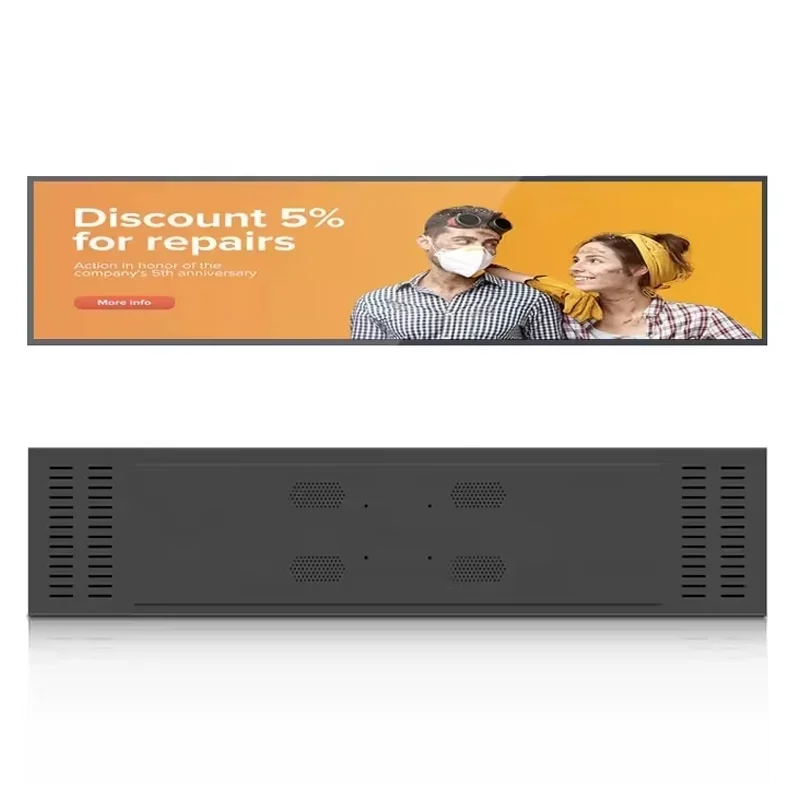
A store pilot should test more than successful playback on the first day. Use a representative fixture, real promotional files and the people who will maintain the installation. Include a product move or a planned offer change so the team can see whether the content process keeps up. Record any uncertainty about which message belongs to which item and who is authorized to correct it.
Also check a restart, an interrupted content update and any network-loss behavior that matters to your operation. Those functions need to be demonstrated for the chosen system; offline behavior is not promised here. Record the panel specification, software configuration and mounting revision used in the trial. You can compare stretched display formats if the pilot shows that another size or layout would fit the merchandising plan more clearly.
Compare quotations using the same retail brief
Provide the fixture drawing, quantity, destination, content examples and proposed use of the screen. Explain whether it will show advertising only or also display prices, and whether any automatic data connection is required. Include the preferred system, store network requirements, mounting constraints and any optional touch requirement. This gives the supplier a defined retail project rather than a request for an unspecified strip screen.
Ask for the exact dimensions, native pixel canvas, numeric brightness, system specification and included mounting accessories. Request separate costs for custom hardware, software integration or other services where applicable. Sample arrangements, delivery timing and support terms should be confirmed for the order rather than inferred from a general listing. Use the retail display inquiry form to send the brief. The objective is a configuration that merchandising, IT and installation teams can all approve before more fixtures are committed.
Frequently asked questions
Does this display connect directly to our pricing system?
No automatic pricing connection is established by the product description. Provide the system name, data format and required behavior for integration review. Ask for a demonstration and an agreed error-handling process before relying on live pricing or product data.
Is the 43-inch format guaranteed to fit our shelf?
No. The diagonal does not establish the enclosure dimensions or mounting compatibility. Send the fixture drawing and request the exact display dimensions, weight and fixing details. Review stocking access, cable routing and replacement space as part of the fit check.
Are Android and Wi-Fi standard on this product?
The available 43-inch product text does not establish a fixed operating system or network specification. Request the proposed system and connections in writing. Do not assume that software or connectivity details listed for another stretched display apply to this configuration.
What should we check before expanding beyond a pilot?
Confirm shelf fit, legibility, message-to-product alignment, update ownership and recovery behavior. Record the approved hardware, software and mounting configuration. Resolve outstanding integration questions and request order-specific commercial terms before committing to a wider store installation.